All the tools of AppCode Reskin
Discover all the professional features available to transform, customise and export your applications.
01 — Automatic Reskin Engine
Automatic Reskin Engine
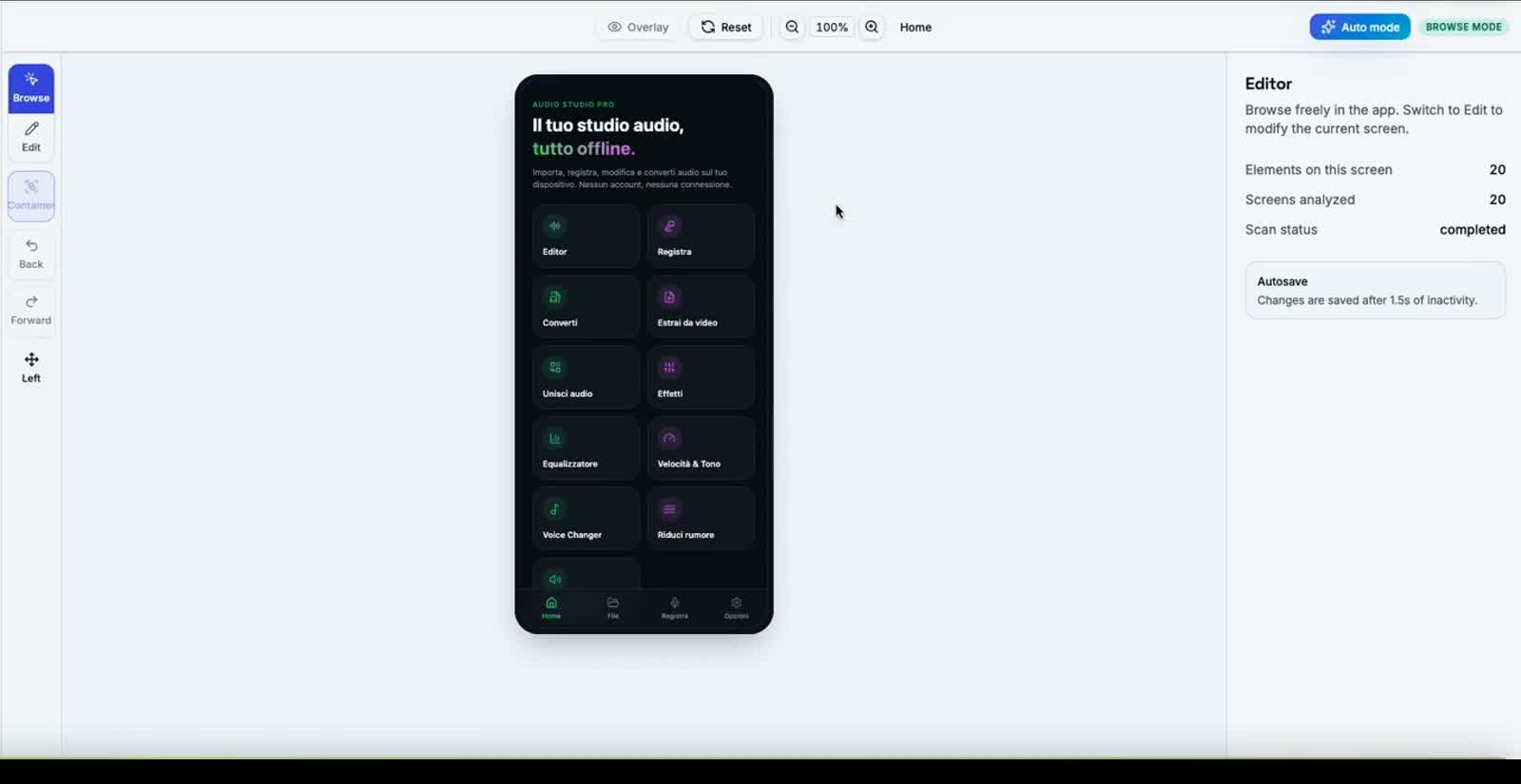
Upload a project or enter a URL: the engine analyses everything and prepares the editable structure in seconds.
- Automatic project analysis
- UI component recognition
- Colour and font identification
- Image and icon detection
- Automatic creation of editable structure
02 — Visual Editor
Edit every element, live
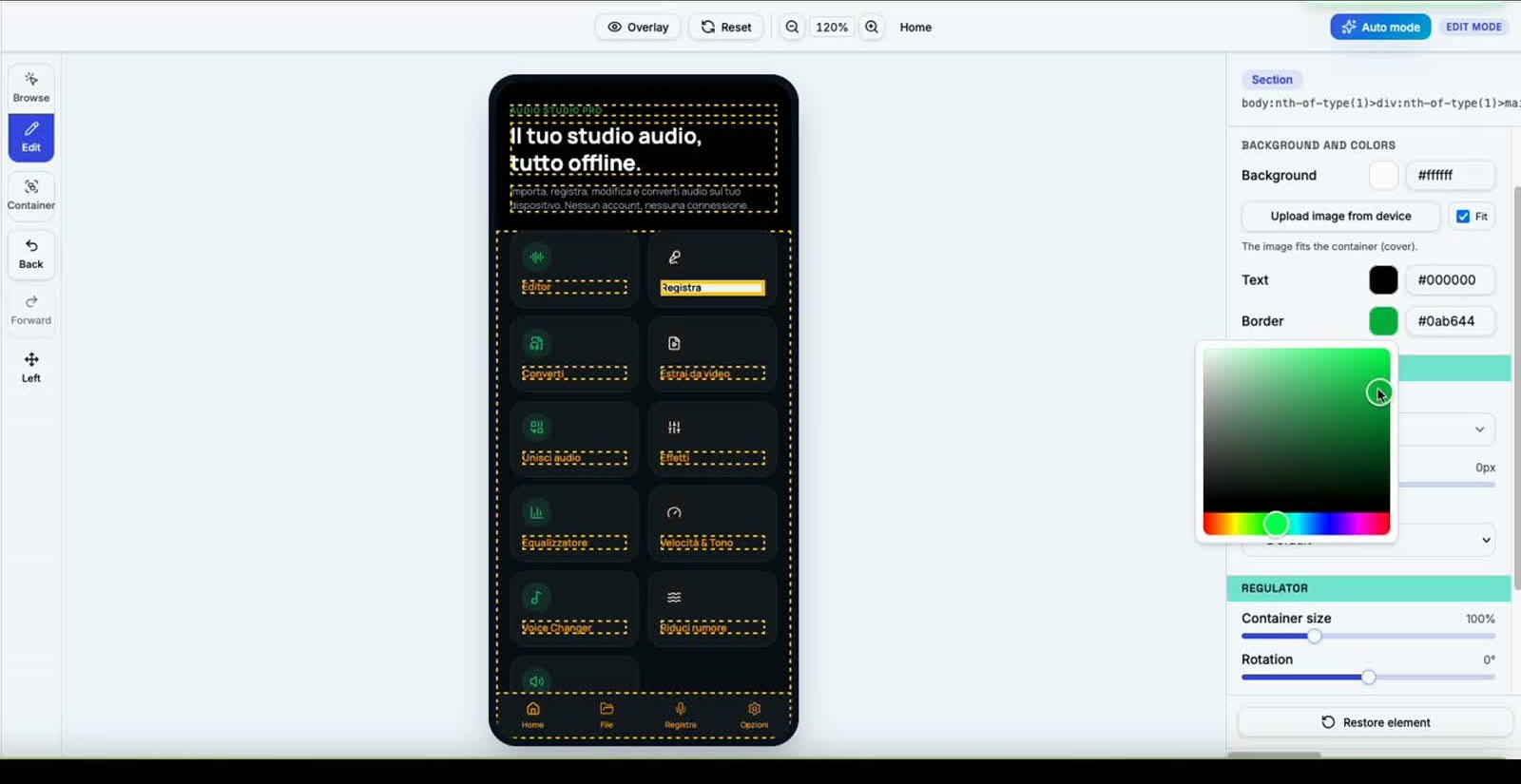
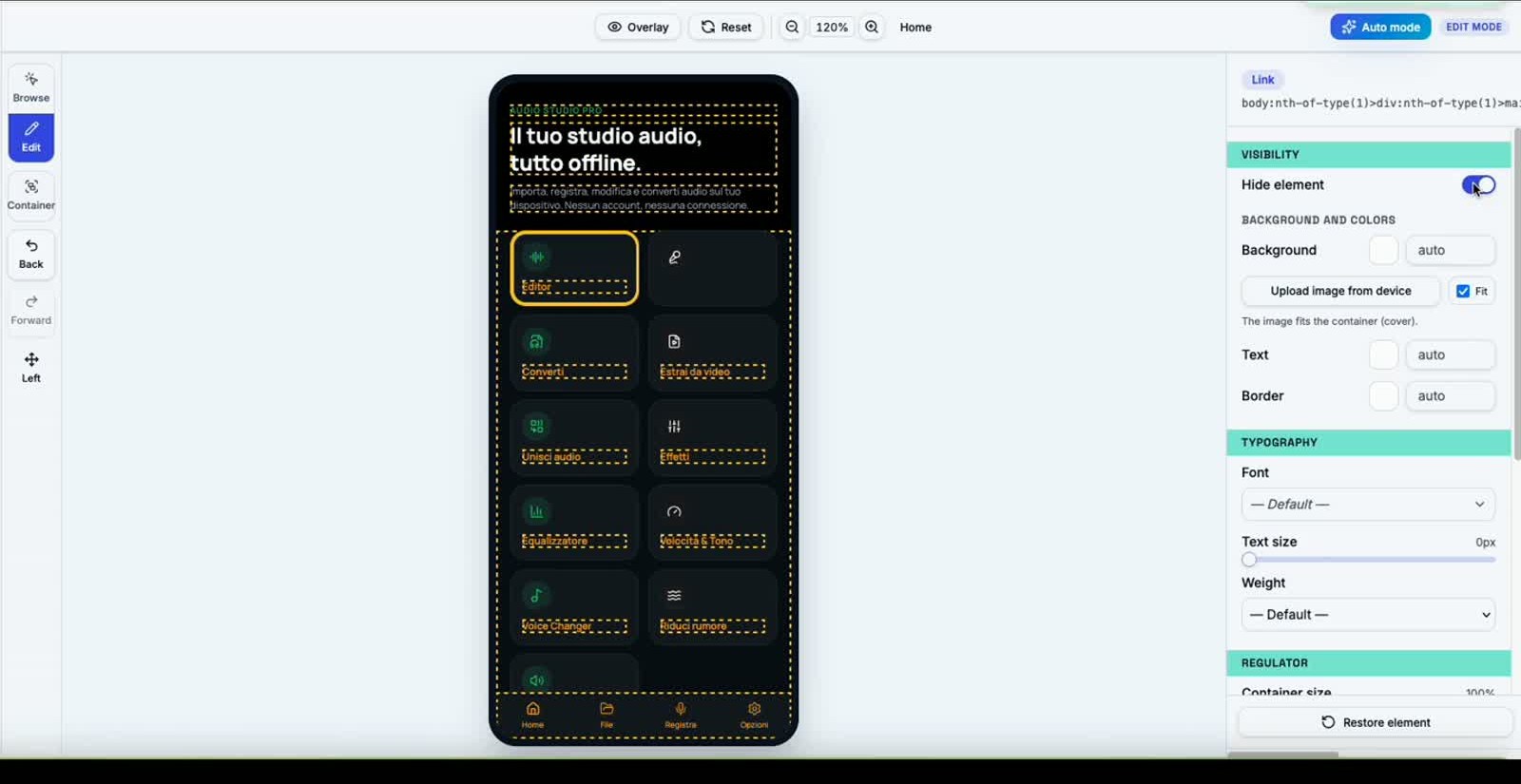
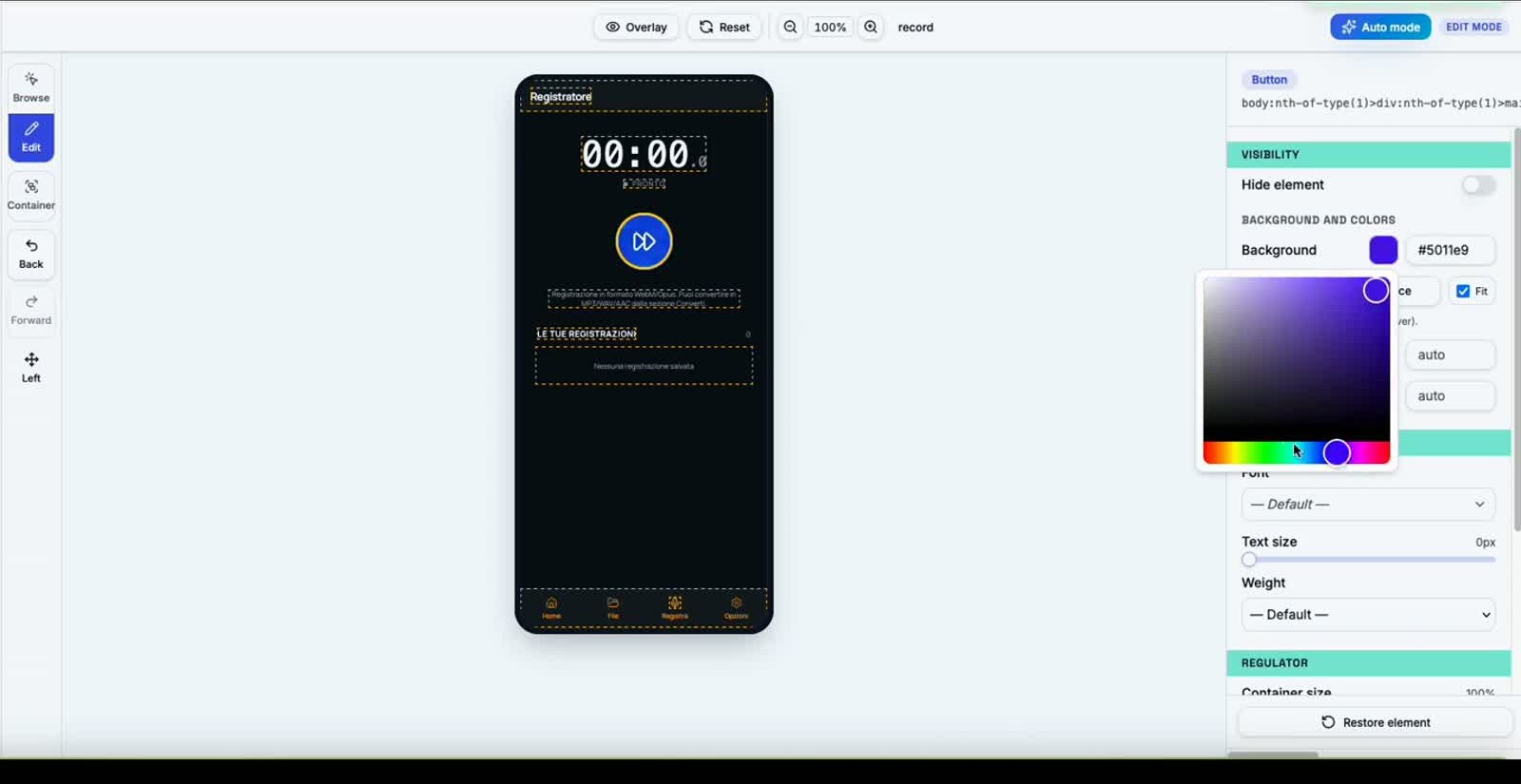
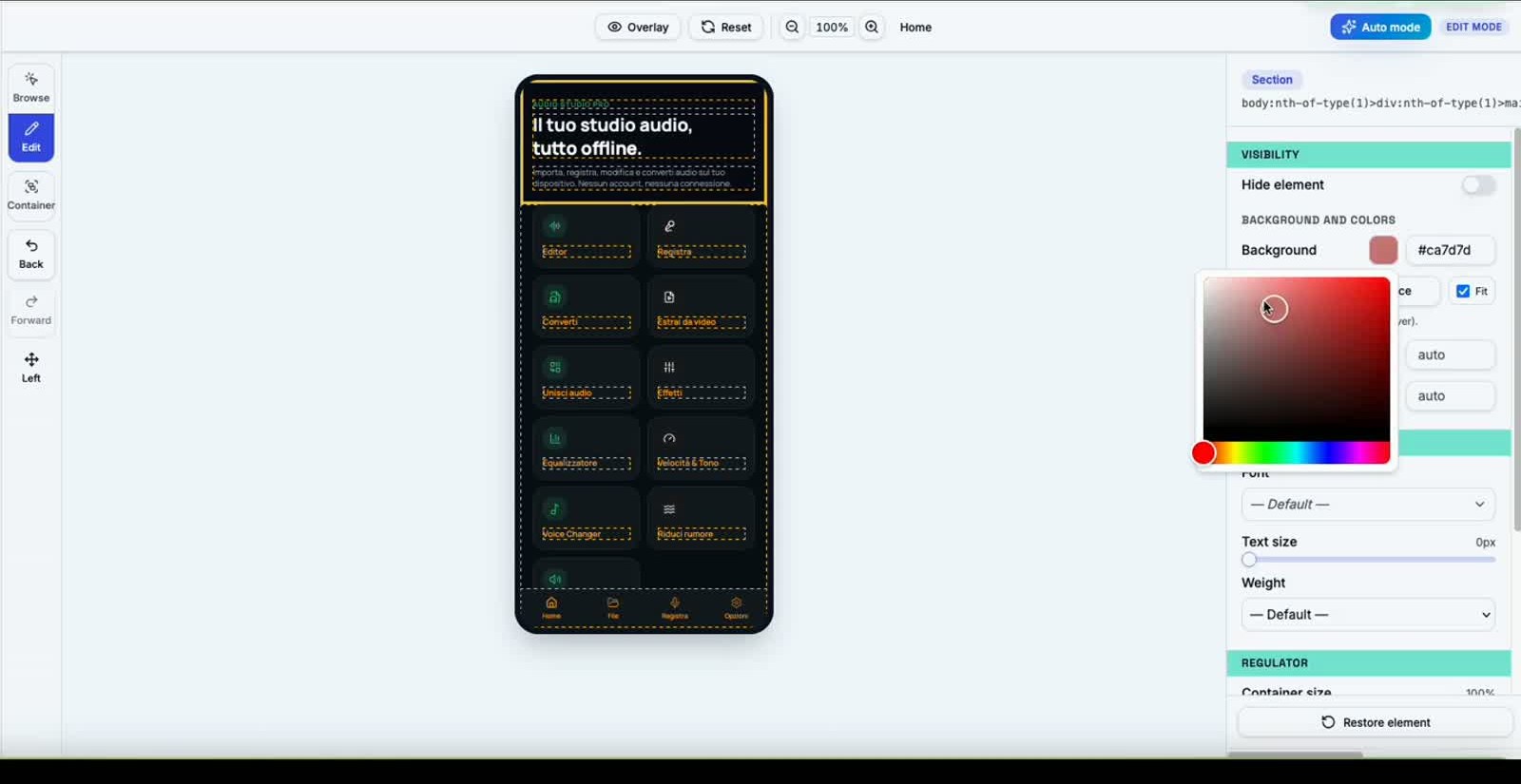
Click any element in the app and customise it: the right-hand panel gives you total control over style, typography, spacing and geometry.
Colors
Background, text, borders and shadows — live color picker.
Fonts
60+ Google Fonts applicable per element or globally.
Buttons
Shape, size, radius, hover and active state.
Cards
Backgrounds, borders, shadows and padding for cards and containers.
Borders
Thickness, radius and color, even per individual side.
Shadows
Depth, blur and color — ready-made presets.
Spacing
Padding, margin and gap adjustable with sliders.
Icons
1000+ Lucide icons swappable with one click.
Images
Direct upload from device, fit and crop.
Navigation
Menus, tab bars and links recognised automatically.
Header
Logo, title, actions and background customisable.
Footer
Bottom tabs and status bars fully editable.
03 — Emulator Live
Live preview in a real emulator
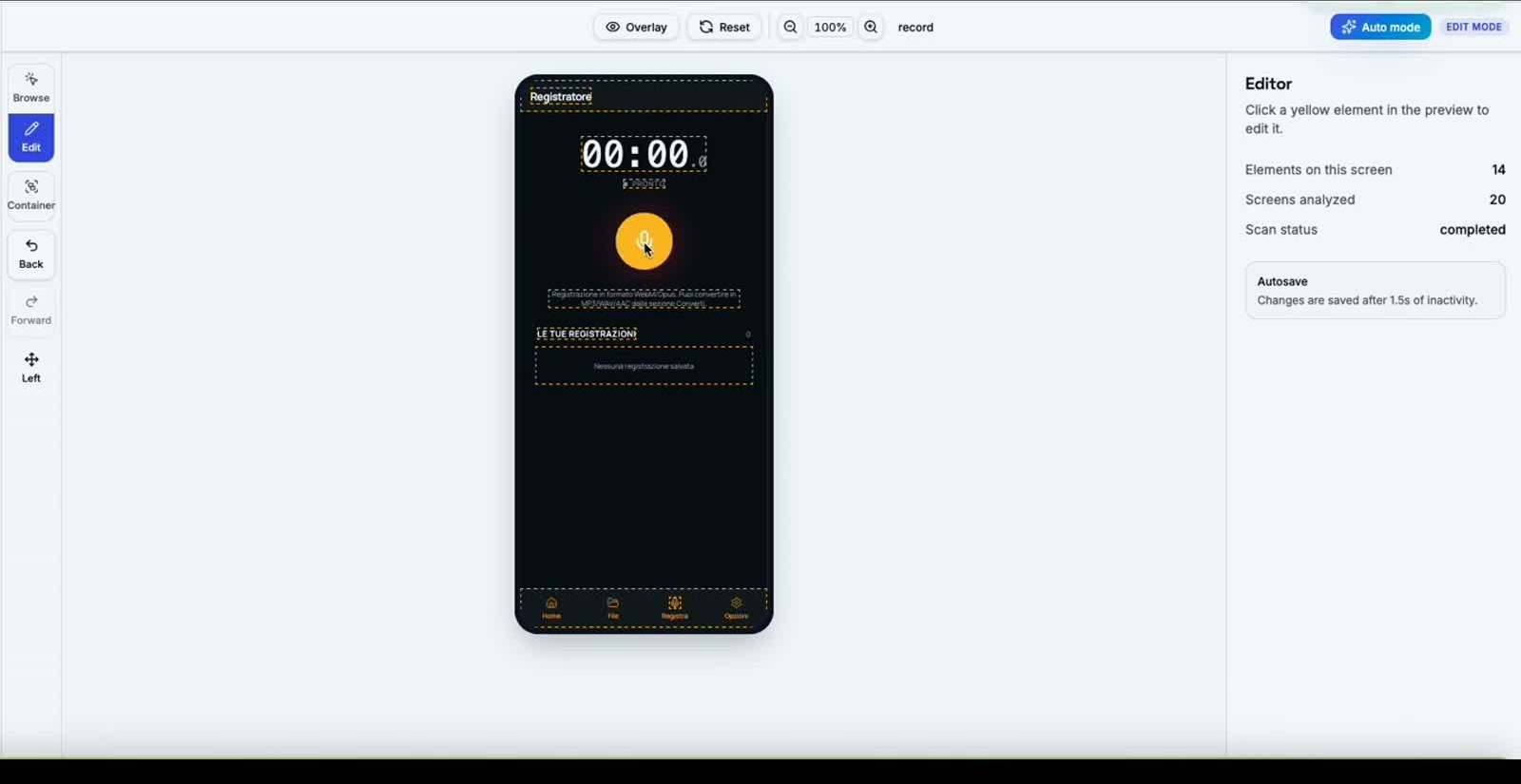
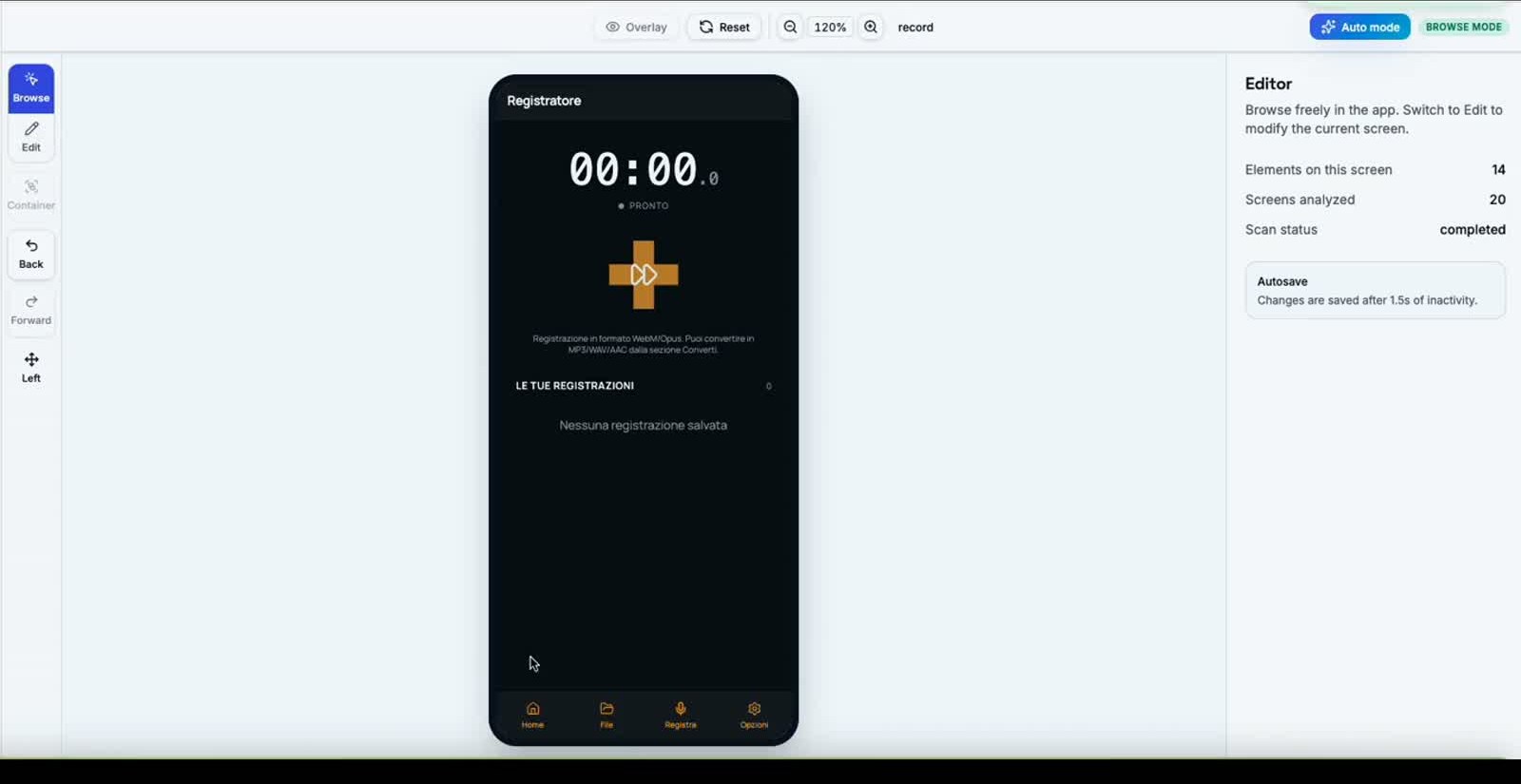
See every change applied instantly in an Android or iPhone emulator, with immediate device switching.
- Real-time live preview
- Instant device switching
- Android simulation (Pixel, Galaxy, …)
- iPhone simulation (15 Pro, 14, …)
- Instant update on every change
04 — Temi
Professional themes, ready to use
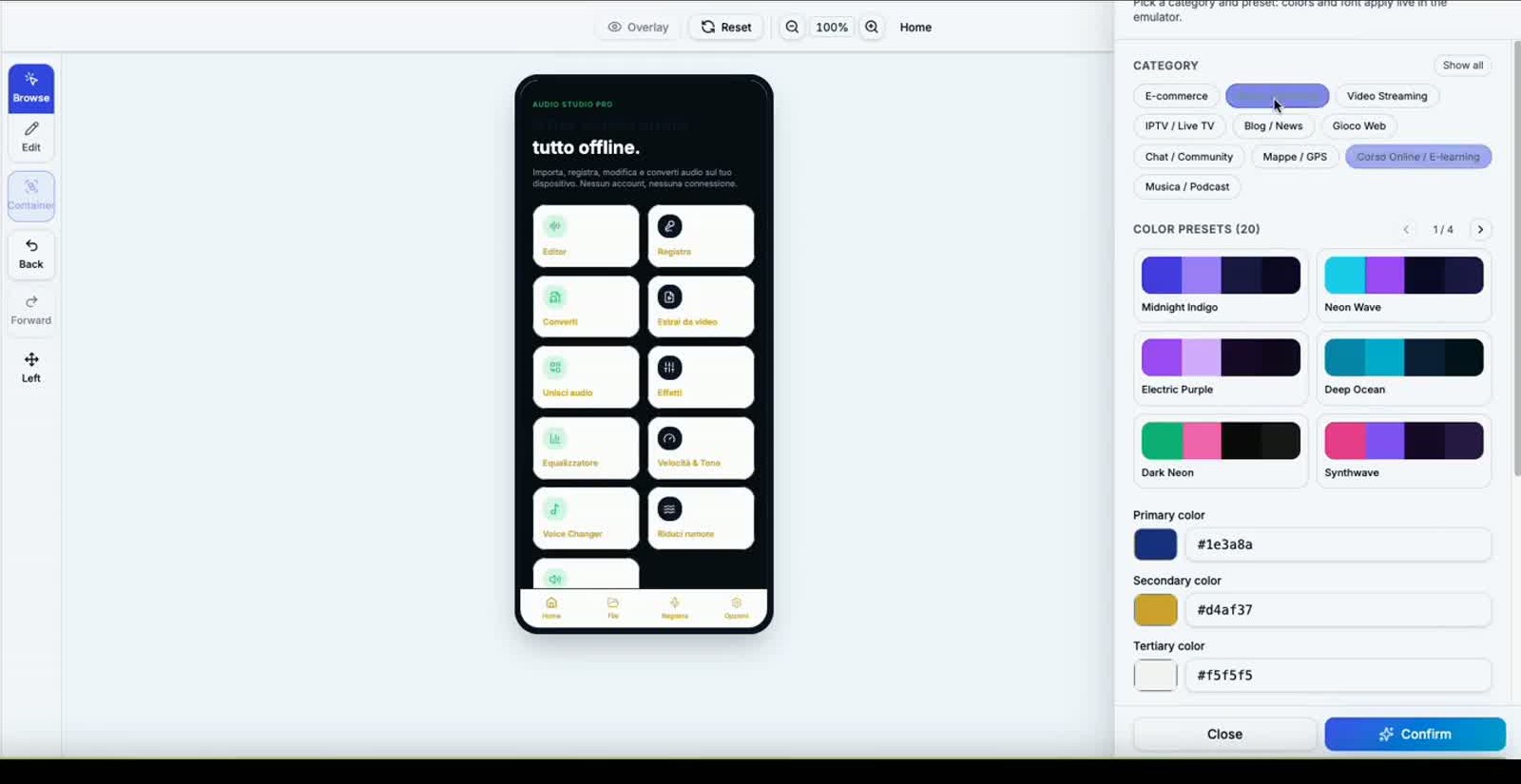
20 categories, over 200 palette presets and a font library: apply everything with one click and see the result in the emulator.
- Predefined themes by category (E-commerce, Audio, News, …)
- Curated professional colour palettes
- Light / dark mode
- One-click theme application
05 — Compatibility
Two modes. One reskin engine.
AppCode Reskin supports two import modes: Web App URL or Android Studio (.zip) / Xcode (.zip) project.
Web App URL
Enter the public URL of your Web App. AppCode Reskin analyses the site, applies the reskin, and generates a new custom URL ready for your project.
Android Studio project (.zip)
Upload your Android Studio project as a ZIP. AppCode Reskin applies the reskin and returns the full project, ready to open and build. No manual edits.
Xcode project (.zip)
Upload your Xcode project as a ZIP. AppCode Reskin applies the reskin and returns the full project, ready to open and build. No manual edits.
06 — Output
Projects ready for Android Studio and Xcode
AppCode Reskin always returns the complete project, already updated with the reskin.
- If you imported a Web App URL, you get a new reskinned URL to use in your project.
- If you imported an Android Studio (.zip) or Xcode (.zip) project, you get the same complete project with all changes applied, ready to open directly in your IDE.
- No manual edits required.
NomeApp-androidstudio-reskinned.zip
Ready for Android Studio
NomeApp-xcode-reskinned.zip
Ready for Xcode
https://…/reskin/…
Reskinned URL for Web App
07 — Quality & Safety
Automatic checks before every export
Every project goes through a validation pipeline: configurations, assets, compatibility and errors are verified automatically.
08 — AI Assisted
Artificial intelligence only where it matters
AI runs just once during import to map the entire application. After that, the editor works on saved data: zero recurring costs, zero waiting.
Intelligent project analysis
Automatic palette suggestions
UI structure recognition
Repeated component detection
09 — Comparison
AppCode Reskin vs Manual Development
What takes days with code takes minutes here.
| Feature | AppCode Reskin | Manual Development |
|---|---|---|
| Visual Editing | Yes | |
| Automatic Scan | Yes | |
| Live Emulator | Yes | |
| One-click Themes | Yes | |
| Fast Export | Yes | |
| No Code Required | Yes | |
| Multi-framework support | Yes | Depends on the stack |
| Average reskin time | 5–10 min | 3–10 days |