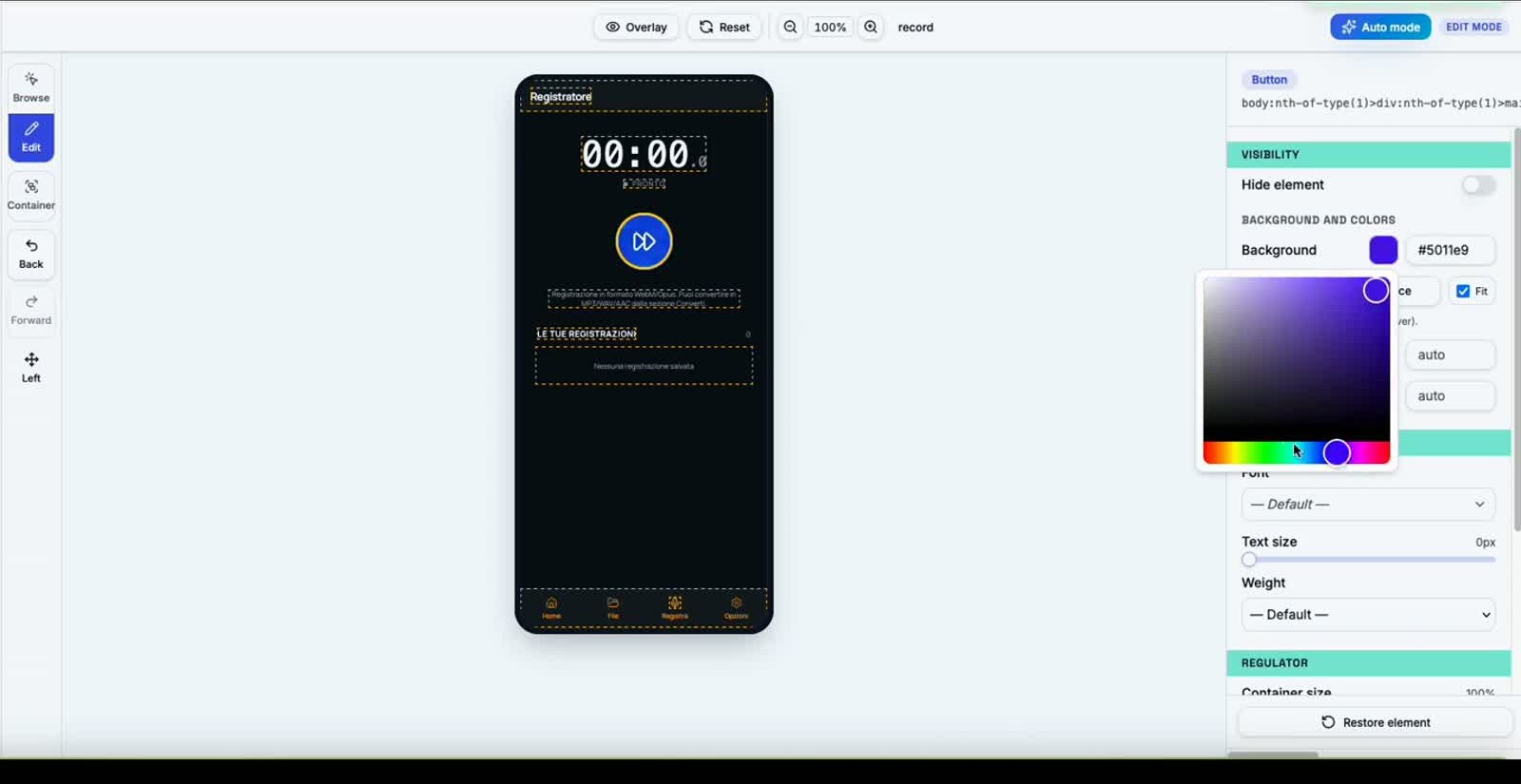
Two modes. One reskin engine.
AppCode Reskin supports two import modes: Web App URL or Android Studio (.zip) / Xcode (.zip) project.
Web App URL
Android Studio project (.zip)
Xcode project (.zip)
How it works
Three ways to import, one result
Web App URL
Enter the public URL of your Web App.
AppCode Reskin automatically analyses the site, applies the reskin, and generates a new custom URL — ready to be linked to your Android Studio or Xcode project.
- Any publicly reachable URL
- Runtime reskin applied automatically
- New custom URL returned as output
Android Studio project (.zip)
Upload your Android Studio project compressed as a ZIP.
AppCode Reskin automatically applies the reskin and returns the complete Android Studio project, ready to open and build. No manual edits required.
- Full project returned
- SDK and assets already injected
- Ready for Android Studio
Xcode project (.zip)
Upload your Xcode project compressed as a ZIP.
AppCode Reskin automatically applies the reskin and returns the complete Xcode project, ready to open and build. No manual edits required.
- Full project returned
- SDK and assets already injected
- Ready for Xcode
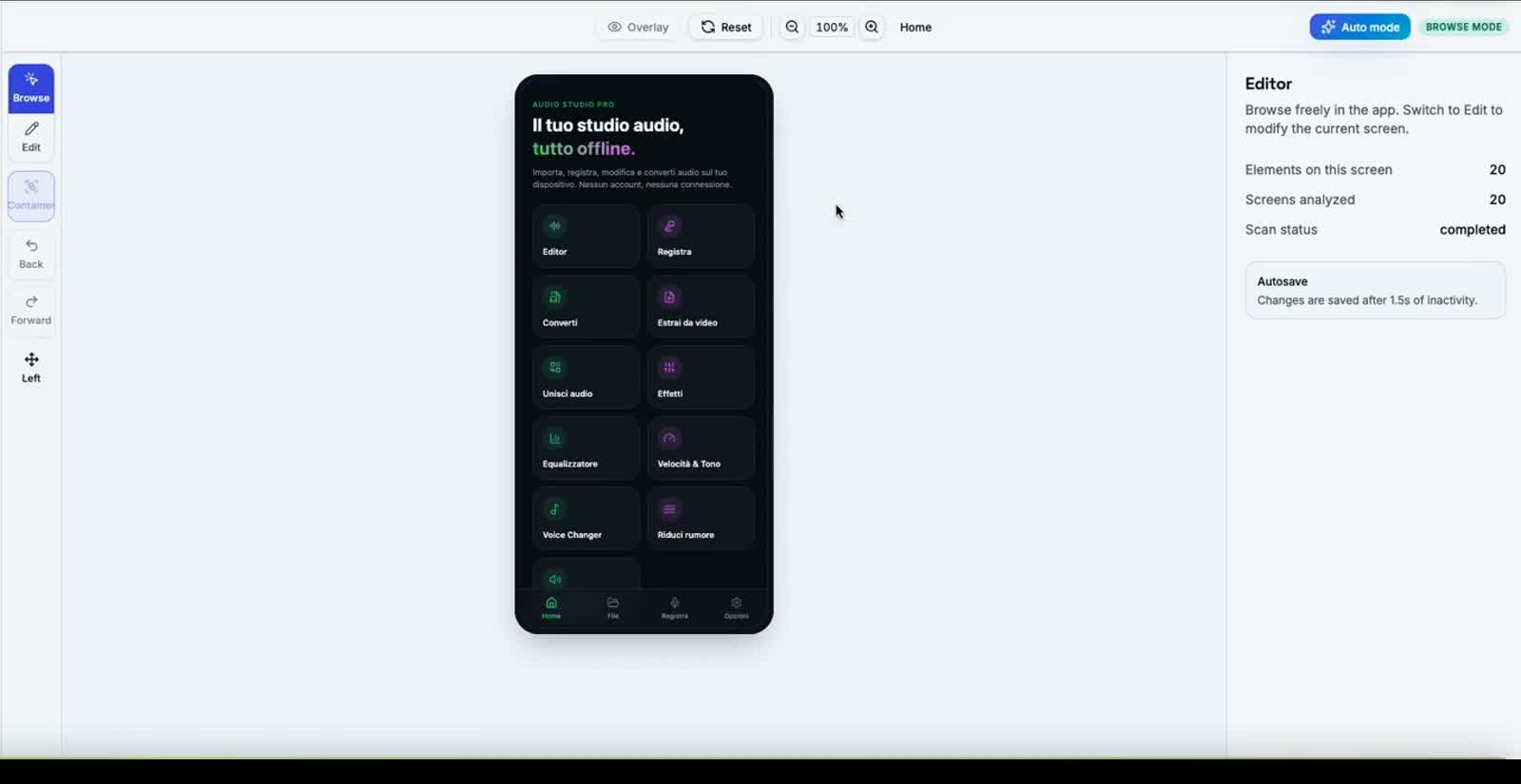
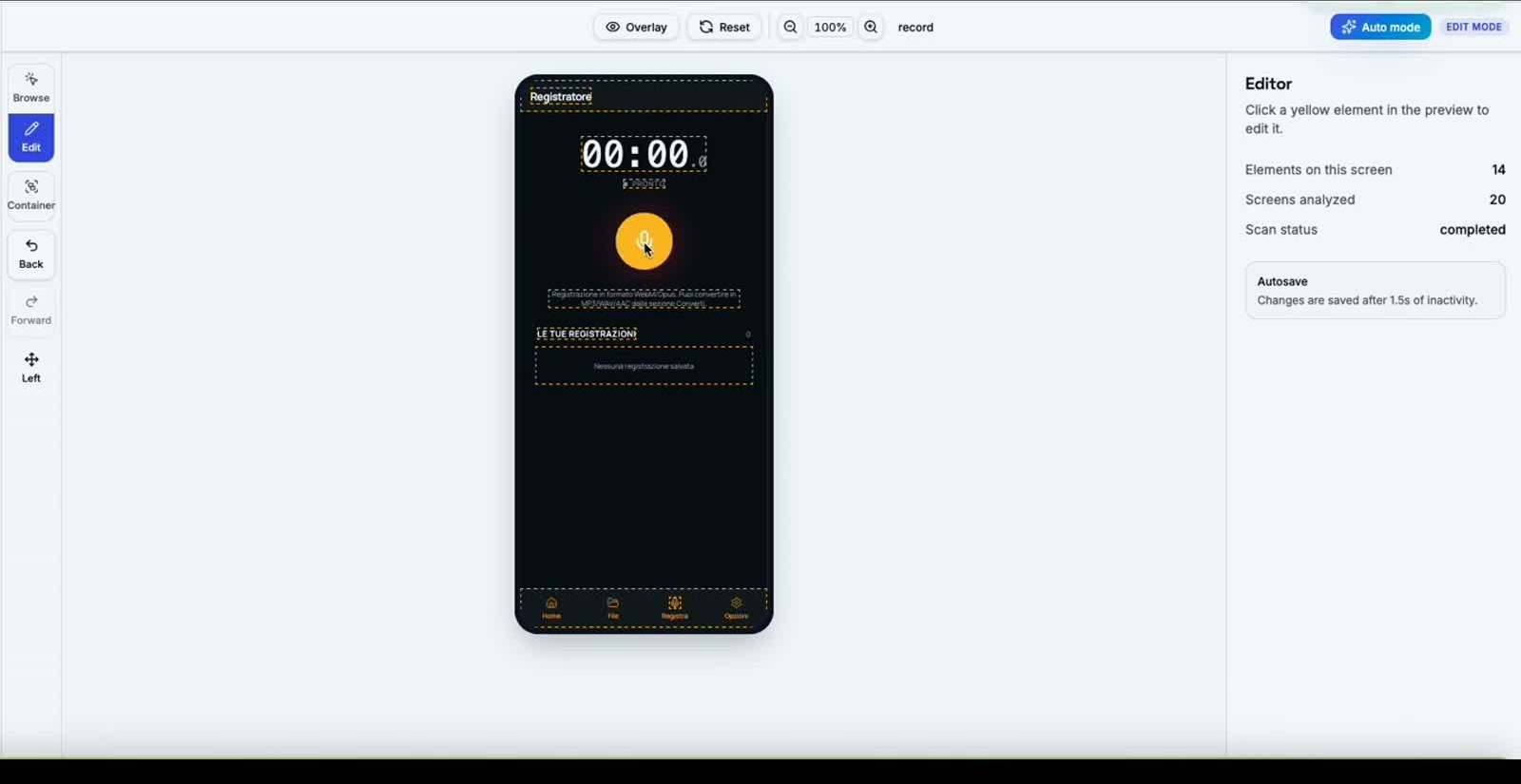
Output project
Projects ready for Android Studio and Xcode
AppCode Reskin always returns the complete project, already updated with the reskin. If you imported a Web App URL, you get a new reskinned URL to use in your project. If you imported an Android Studio (.zip) or Xcode (.zip) project, you get the same complete project with all changes applied, ready to open directly in your IDE. No manual edits required.
NomeApp-androidstudio-reskinned.zip
NomeApp-xcode-reskinned.zip
https://…/reskin/…